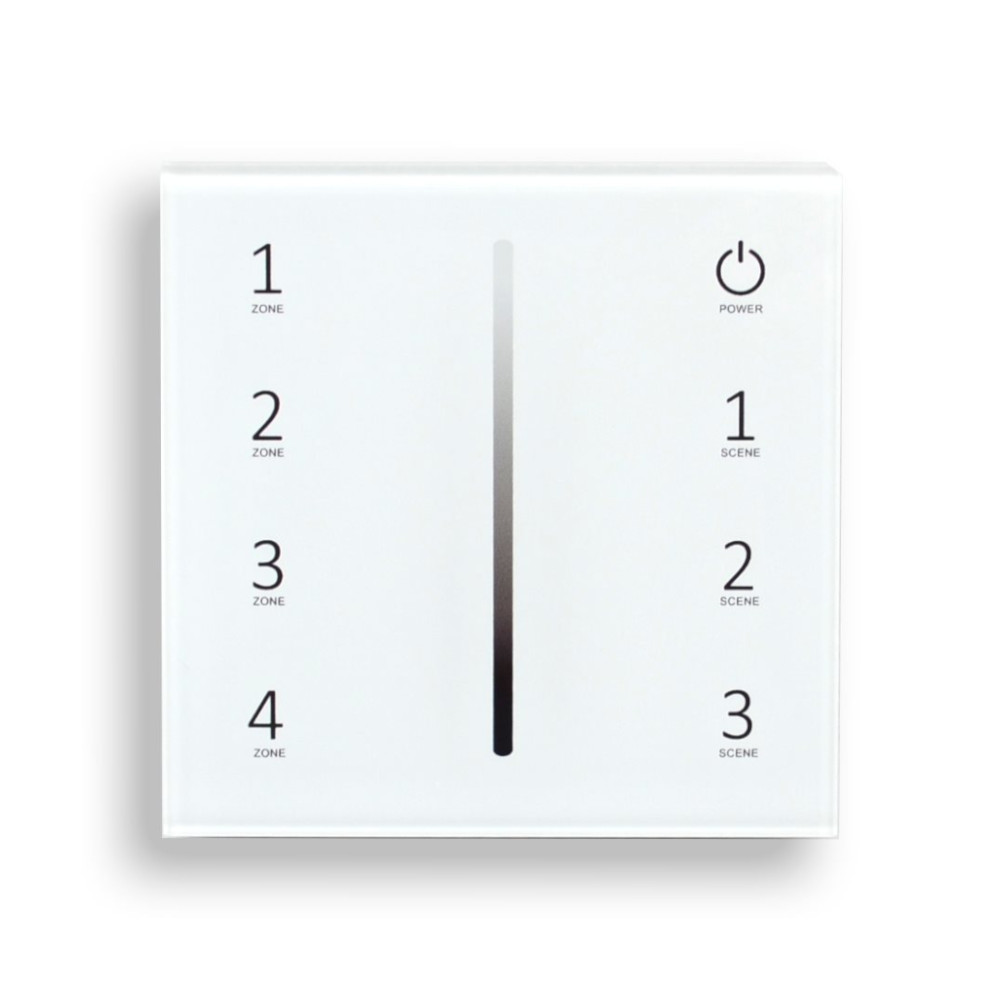


R21 STARTER KIT - 4-ZONE REMOTE AND RECEIVER - WHITE
SKU: LCR21-REMOTE-WH
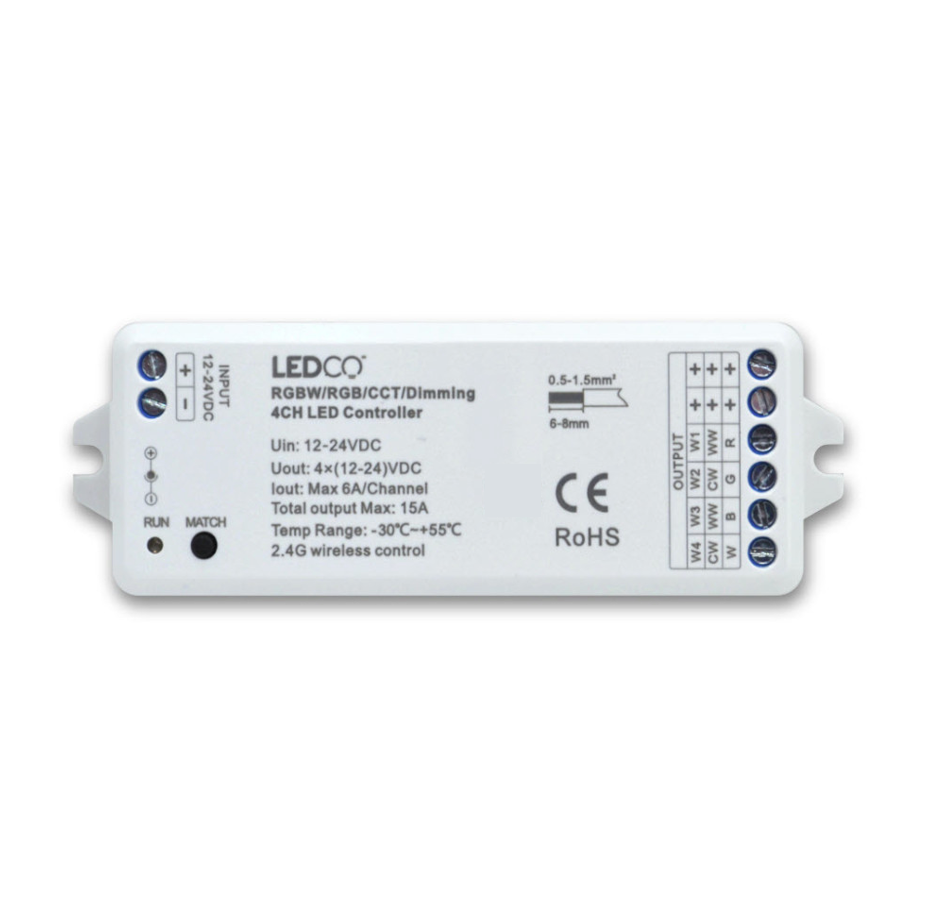
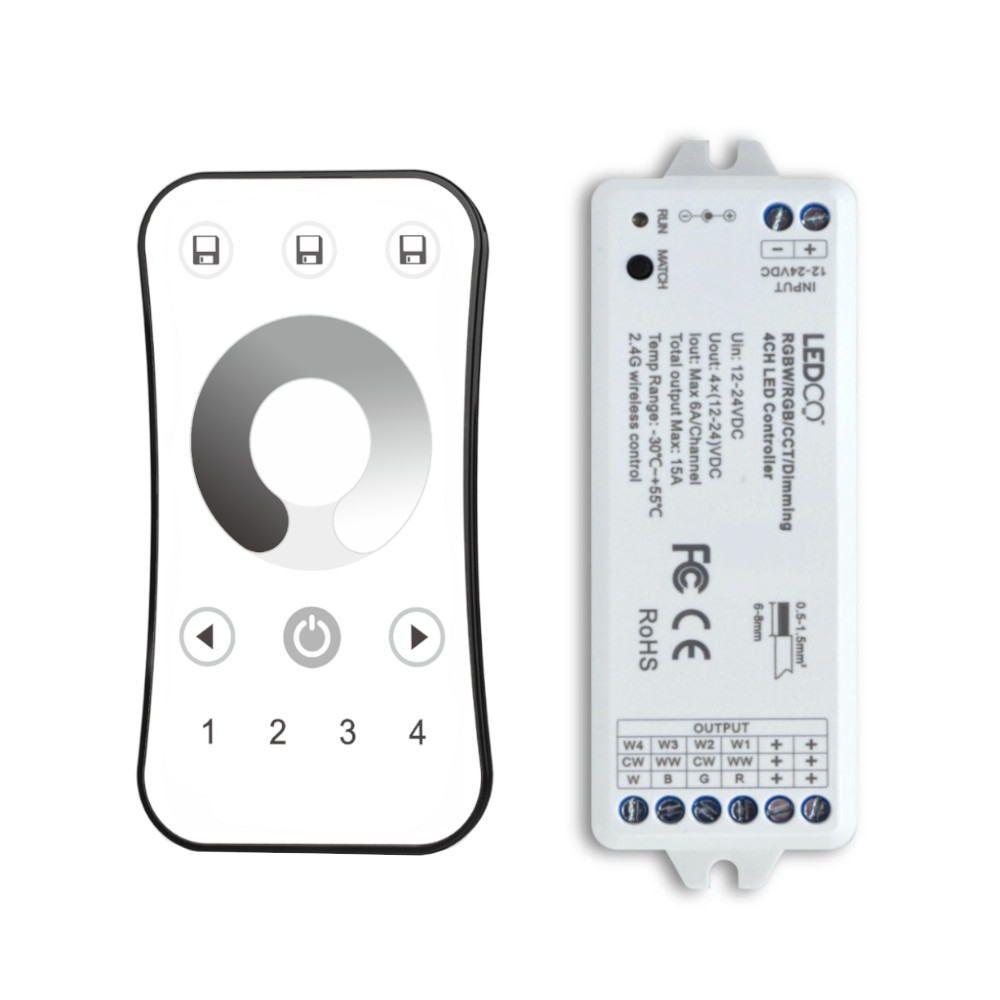
The R21 remote and receiver starter kit is the all-in-one package for wireless control of single-color white LED strips. It includes the 2.4 GHz radio-frequency remote and its receiver, pre-paired right out of the box — no additional accessories needed to get started. The receiver connects directly between the 24V power supply and the LED strip, while the lightweight remote can be kept in a pocket or set anywhere within range.
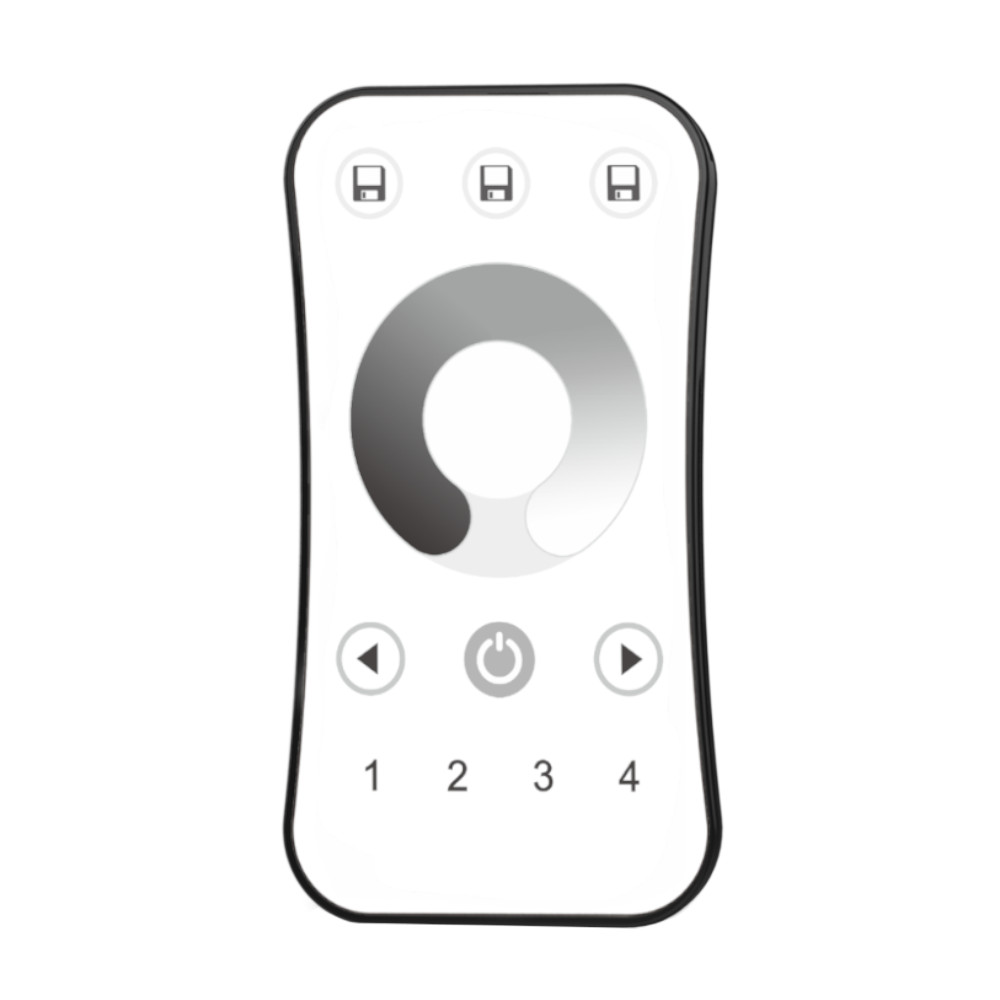
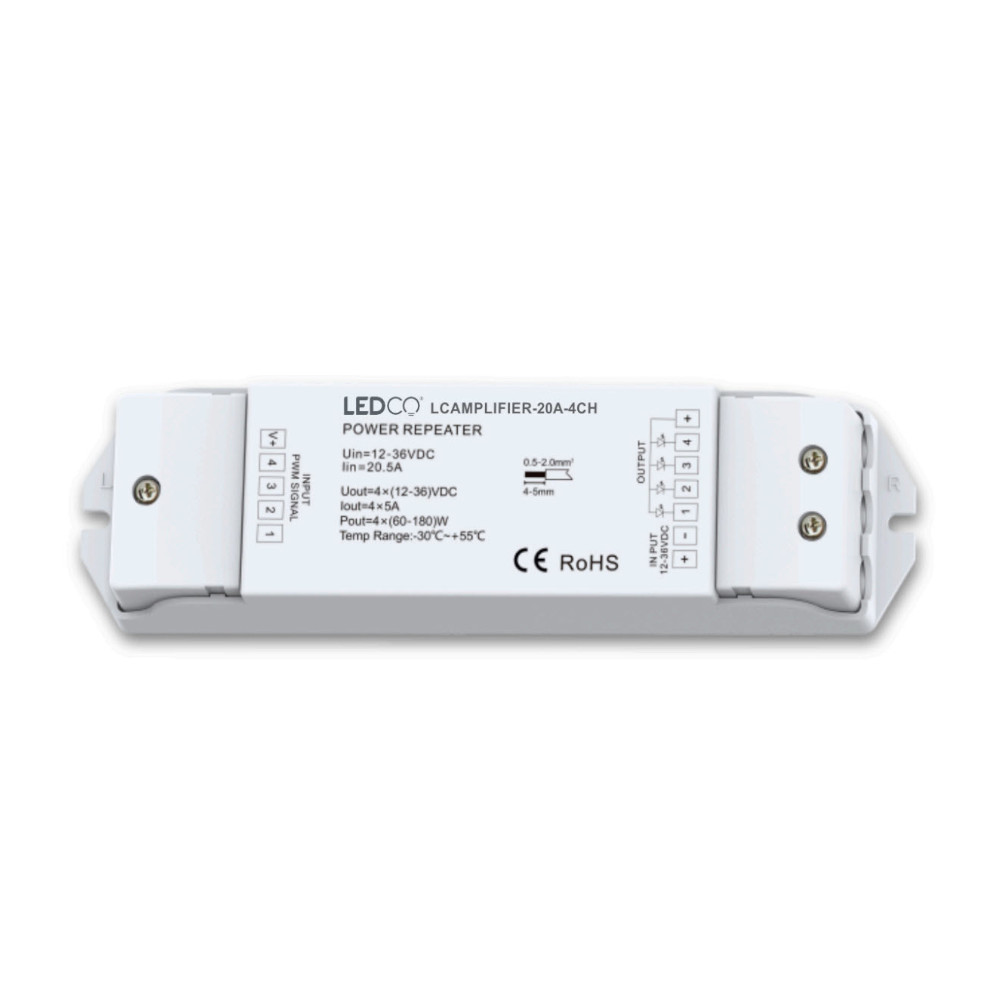
Wireless range reaches 100 feet (30 meters) and the tactile wheel provides ultra-precise brightness adjustment across 256 levels. While the kit includes a 1-zone receiver, the R21 remote supports up to 4 independent zones by adding extra universal 12A receivers as your project expands. Compatible with single-color white LED strips, 12V or 24V. For RGB and RGBW strips, see the R24 starter kit.
Key Functions
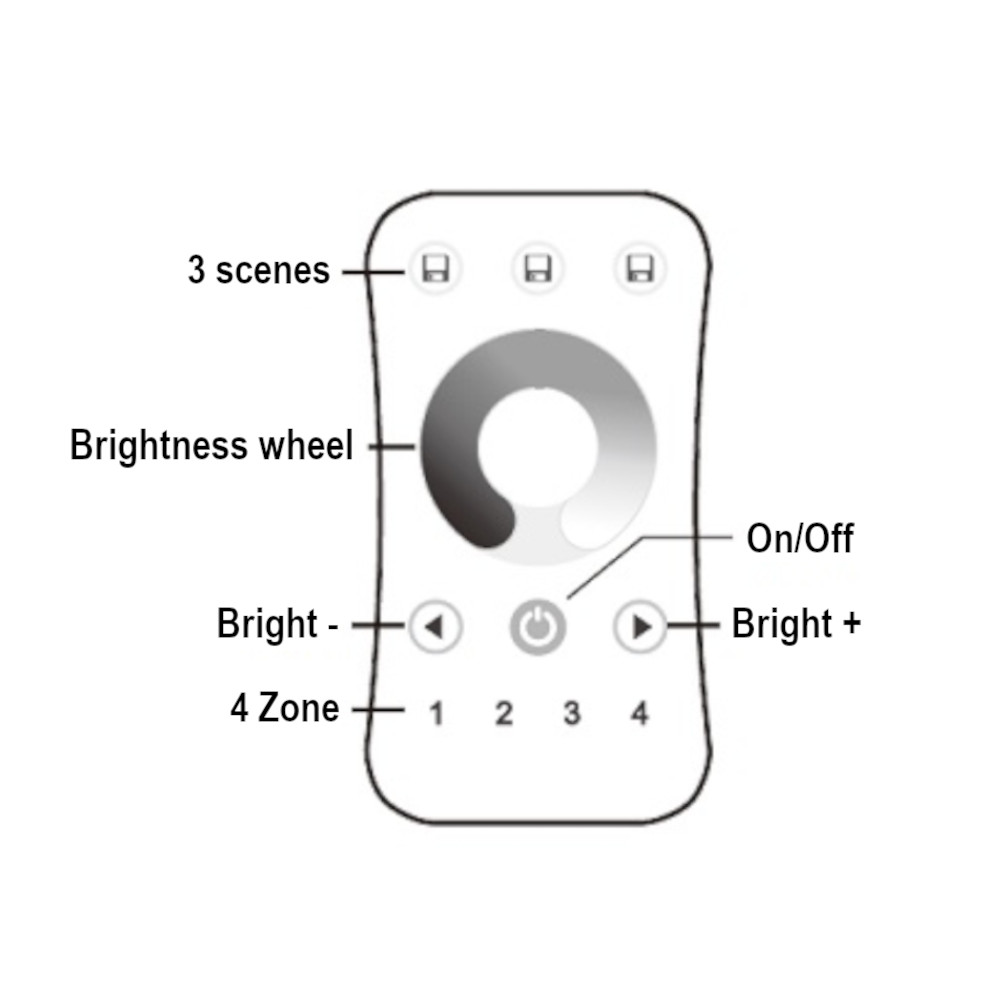
- Global On/Off – Short press to activate or deactivate all zones.
- Zone selection – Short press to turn on a zone (1 to 4); hold 2 seconds to turn it off. Multi-zone simultaneous selection supported.
- Tactile brightness wheel – Continuous adjustment across 256 levels for the selected zone.
- Brightness +/- – Short press: 10 levels; hold 1 to 6 seconds: continuous adjustment.
- Scenes – Hold 2 seconds to save; short press to recall. Applies across all 4 zones simultaneously.
Adding an Extra Zone
Connect a universal 12A receiver between the power supply and the LED strip for the new zone, then power on. Press MATCH on the receiver until the RUN indicator blinks, then press a zone button on the remote. A second blink confirms successful pairing. To clear all pairings, hold MATCH for 5 seconds.
74.95$
KEY FUNCTIONS:
On/Off: A short press toggles all zone lights on or off.
Zone Selection: Short press to select and turn on a specific zone (1, 2, 3, or 4). Hold for 2 seconds to turn off the selected zone light. Rapidly pressing multiple zone keys allows for simultaneous selection of multiple zones.
Brightness Wheel: Touch to adjust the brightness of the currently selected zone.
Brightness +/-: Short press adjusts brightness across 10 levels, while holding for 1-6 seconds enables continuous adjustment through 256 levels for the selected zone.
Scene Control: Short press to recall a scene. Hold for 2 seconds to save the current state as a scene. The LED indicator confirms successful saving by lighting up longer. Scenes can be recalled or saved across all 4 zones simultaneously.
R21 STARTER KIT - 4-ZONE REMOTE AND RECEIVER - WHITE