

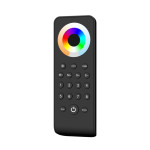
8 ZONE REMOTE - RGBW
SKU: LCREMOTE-RGBW-8ZONE
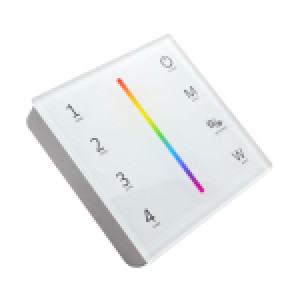
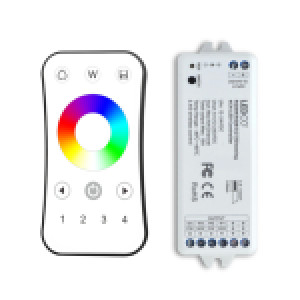
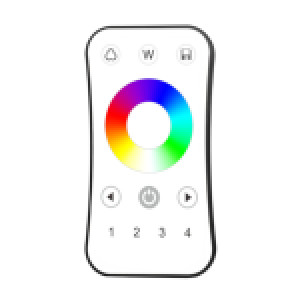
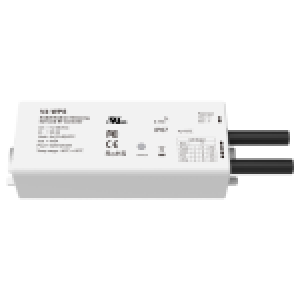
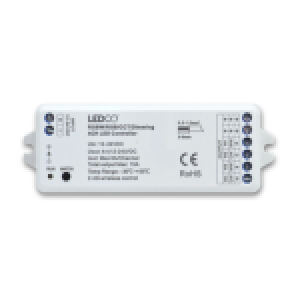
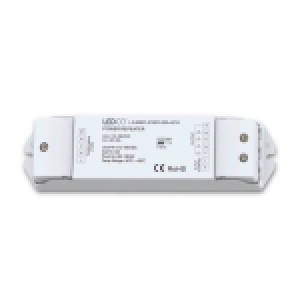
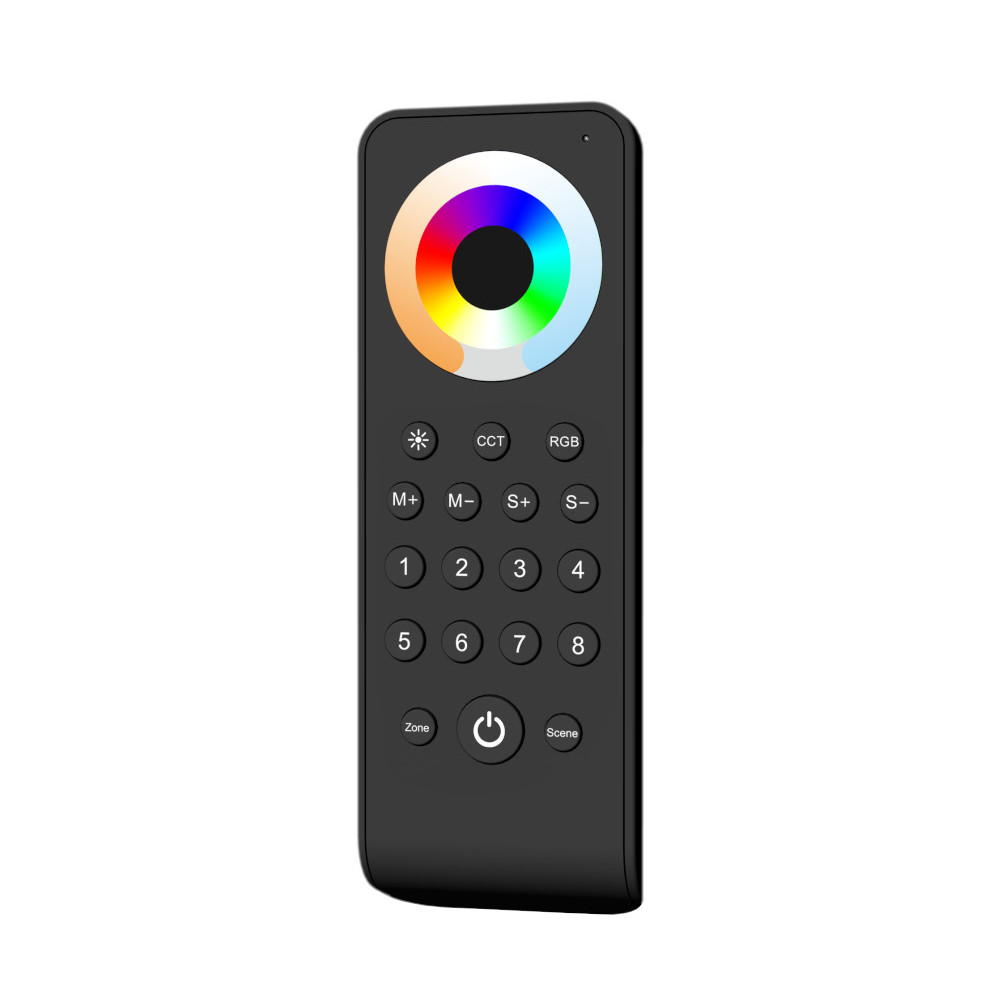
This 8-Zone RGBW Remote utilizes 2.4GHz wireless technology, offering up to 30 meters of range. It can be paired with multiple RGB/RGBW receivers, enhancing its versatility. The device features a sensitive touch wheel for precise color tuning, designed for durability and efficiency.
HOW TO CONNECT THE REMOTE WITH A RECEIVER:
- Connect the LED power source to the receiver, choosing between 12V or 24V based on the LED strip's voltage.
- Attach the LED strip to the receiver.
- Power on the system. If correctly connected, a "RUN" light on the receiver will illuminate.
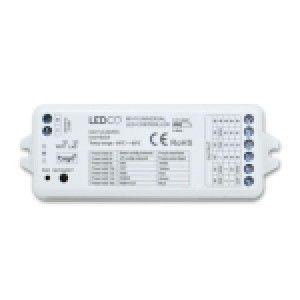
- Locate the "MATCH" button on the receiver. Press it; the "RUN" light will flash, indicating the receiver is ready for pairing.
- Press one of the eight zone button on the remote. If the "RUN" light blinks again, the remote has successfully connected to the receiver, allowing control over the LED strip.
- Repeat steps 4 and 5 if you want to pair additional receivers with the remaining zones on the remote.
To remove all paired devices, press and hold the "MATCH" key for 5 seconds. When the LED indicator rapidly flashes several times, it signifies that all matched devices have been successfully deleted.
75.95$
This 8-Zone RGBW Remote utilizes 2.4GHz wireless technology, offering up to 30 meters of range. It can be paired with multiple RGB/RGBW receivers, enhancing its versatility. The device features a sensitive touch wheel for precise color tuning, designed for durability and efficiency.
HOW TO CONNECT THE REMOTE WITH A RECEIVER:
- Connect the LED power source to the receiver, choosing between 12V or 24V based on the LED strip's voltage.
- Attach the LED strip to the receiver.
- Power on the system. If correctly connected, a "RUN" light on the receiver will illuminate.
- Locate the "MATCH" button on the receiver. Press it; the "RUN" light will flash, indicating the receiver is ready for pairing.
- Press one of the eight zone button on the remote. If the "RUN" light blinks again, the remote has successfully connected to the receiver, allowing control over the LED strip.
- Repeat steps 4 and 5 if you want to pair additional receivers with the remaining zones on the remote.
To remove all paired devices, press and hold the "MATCH" key for 5 seconds. When the LED indicator rapidly flashes several times, it signifies that all matched devices have been successfully deleted.
8 ZONE REMOTE - RGBW