

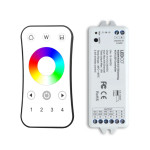
R24 STARTER KIT - 4-ZONE REMOTE AND RECEIVER - RGBW
SKU: LCR24-REMOTE-RGBW
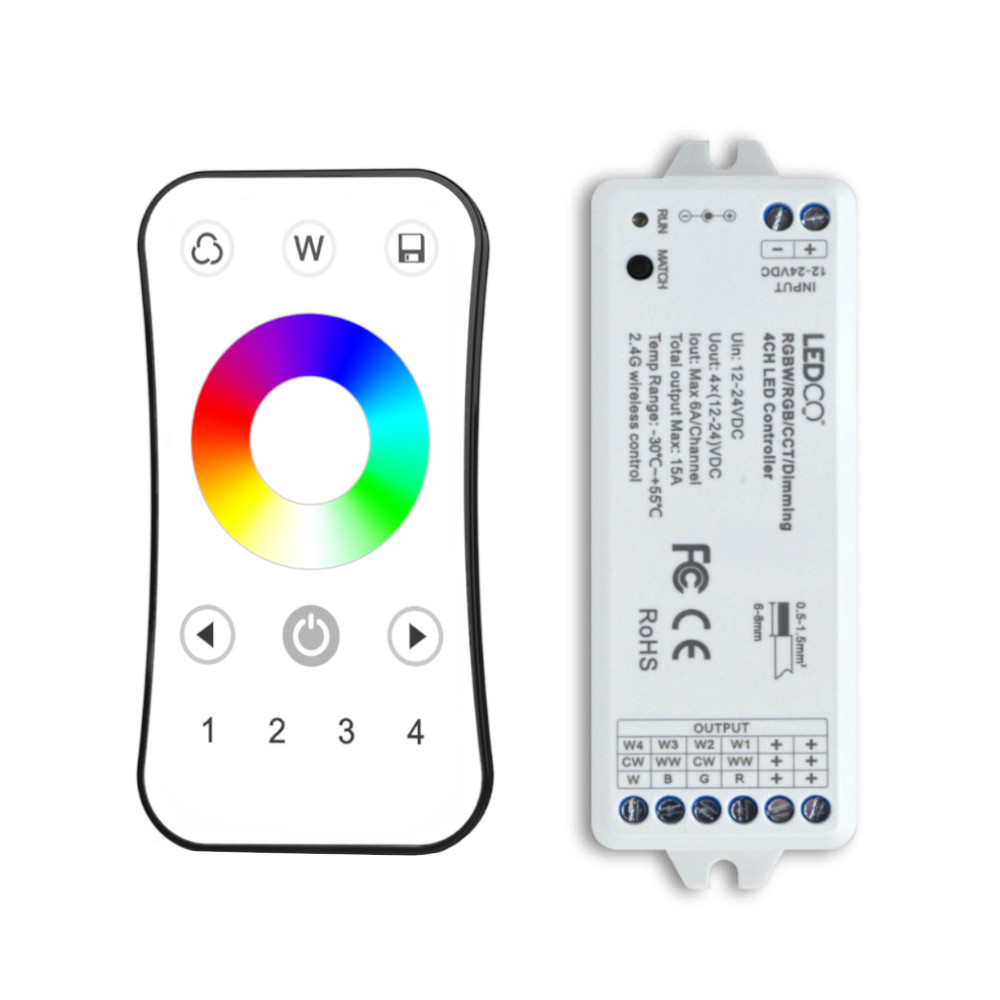
The R24 remote and receiver starter kit is the all-in-one package for wireless control of RGB and RGBW LED strips. It includes the 2.4 GHz radio-frequency remote and its receiver, pre-paired right out of the box — no additional accessories needed to get started. The receiver connects directly between the 24V power supply and the LED strip, while the lightweight remote can be kept in a pocket or set anywhere within range.
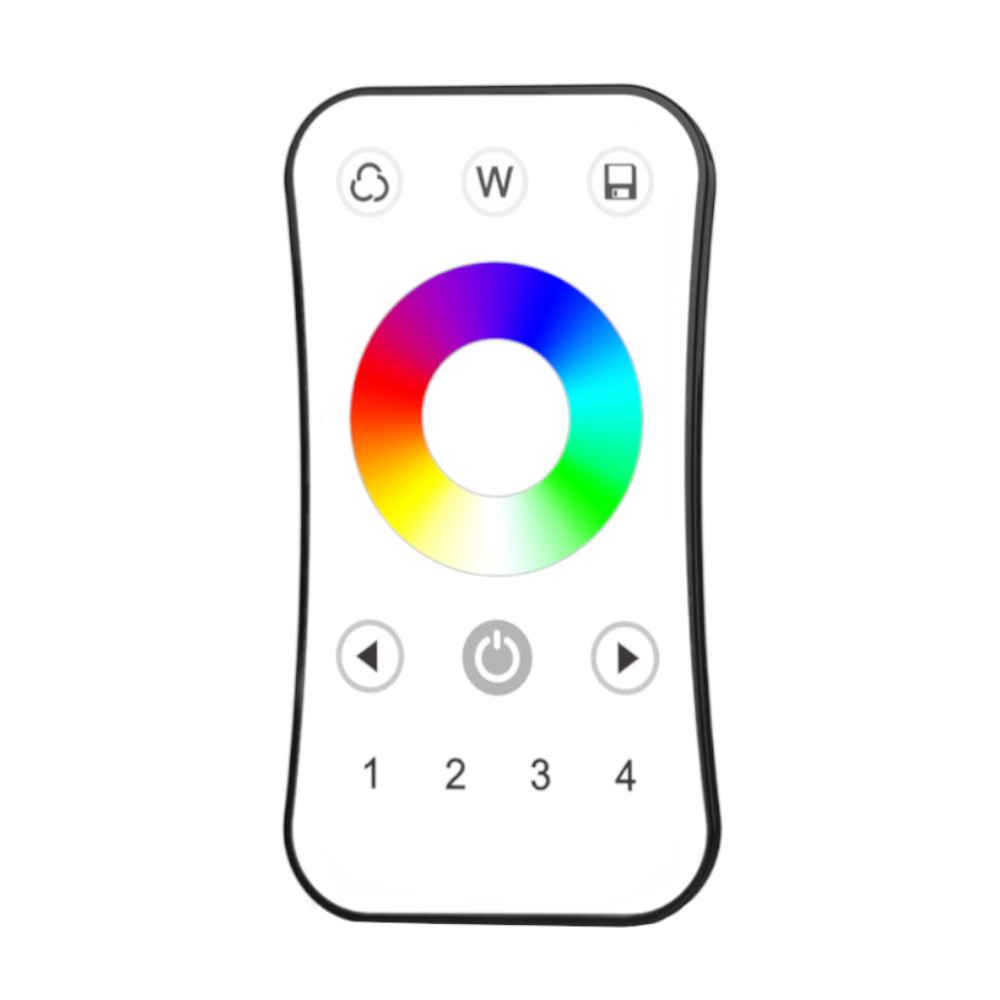
Wireless range reaches 100 feet (30 meters) and the tactile color wheel lets you scroll through the full RGB spectrum with complete fluidity. The W button instantly activates the white channel on RGBW strips for pure white lighting independent of the RGB channels. While the kit includes a 1-zone receiver, the R24 remote supports up to 4 independent zones by adding extra universal 12A receivers as your project expands. Compatible with RGB and RGBW LED strips, 12V or 24V. For single-color white strips, see the R21 starter kit.
Key Functions
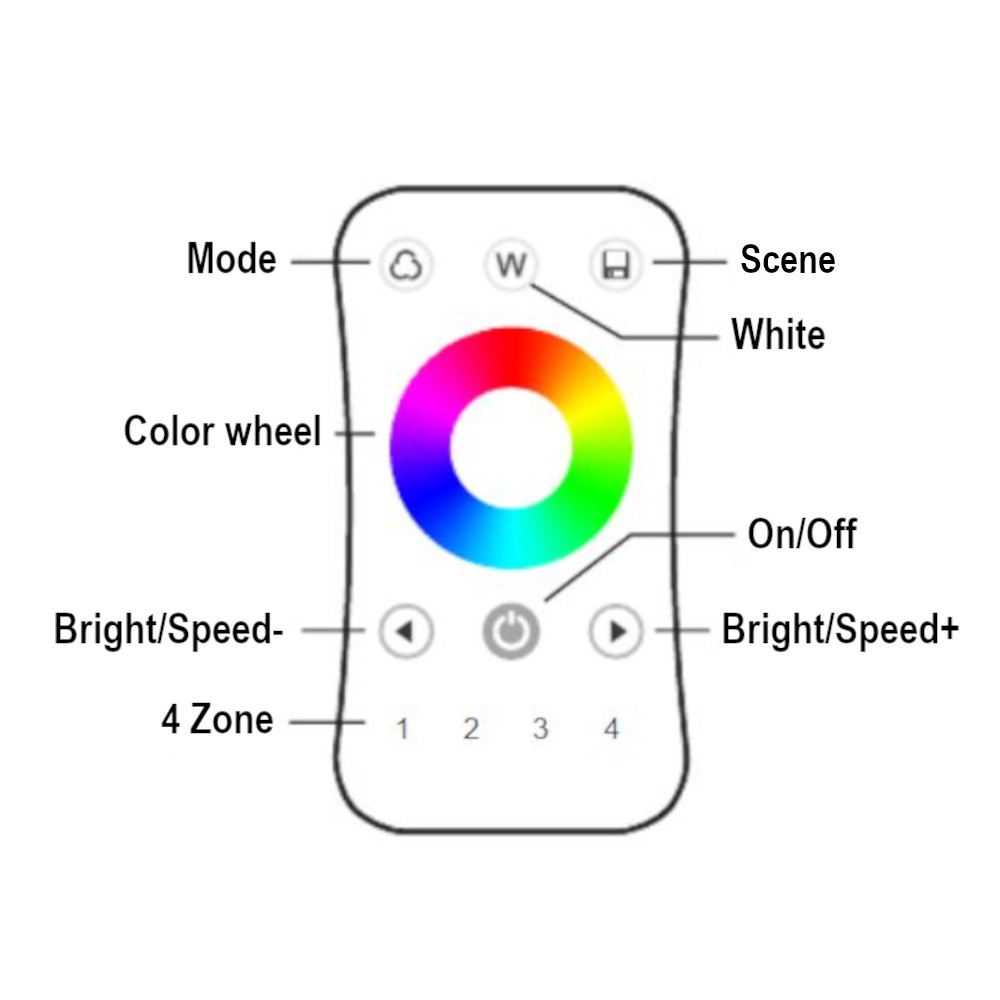
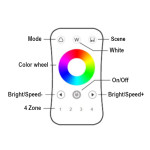
- Global On/Off – Short press to activate or deactivate all zones.
- Zone selection – Short press to turn on a zone (1 to 4); hold 2 seconds to turn it off. Multi-zone simultaneous selection supported.
- Tactile color wheel – Scrolls through the full RGB spectrum smoothly for the selected zone.
- W button – Activates the white channel (RGBW strips only) for pure white lighting independent of the RGB channels.
- Speed +/- – Short press: 10 speed levels; hold 2 seconds: instant maximum or minimum speed for dynamic effects.
- Scenes – Hold 2 seconds to save; short press to recall. Applies across all 4 zones simultaneously.
Adding an Extra Zone
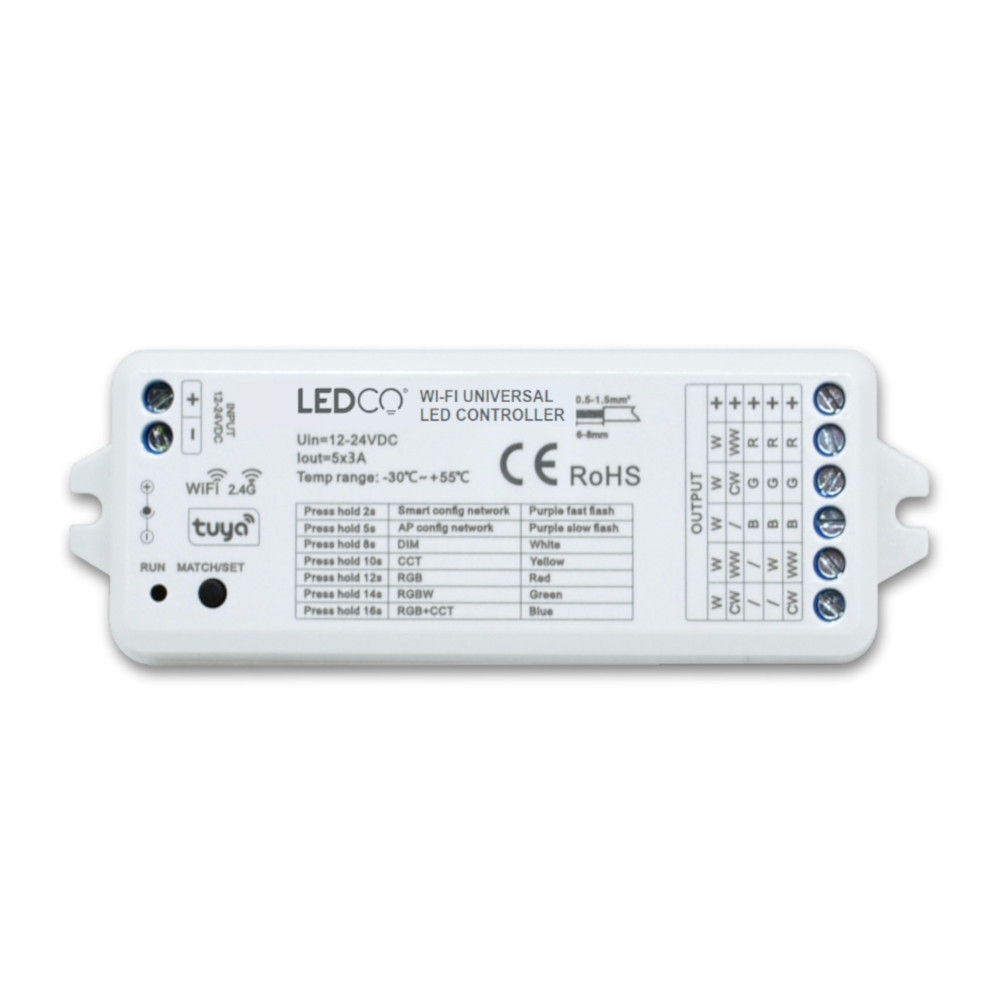
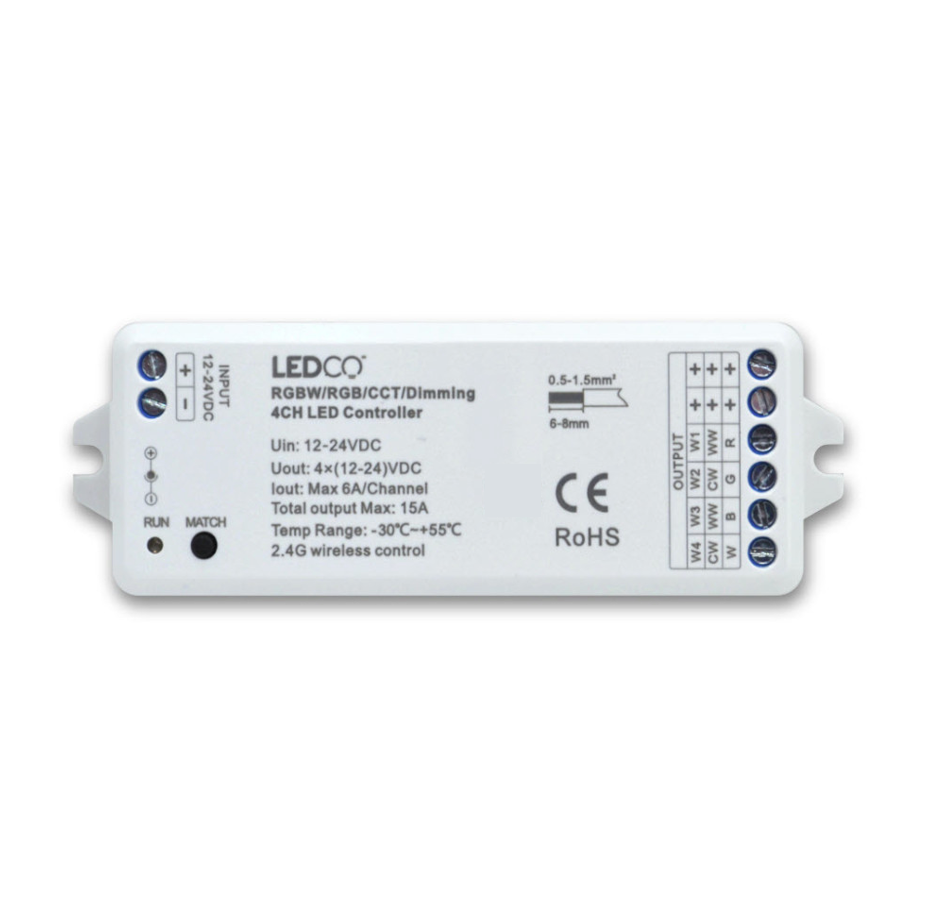
Connect a universal 12A receiver between the power supply and the LED strip for the new zone, then power on. Press MATCH on the receiver until the RUN indicator blinks, then press a zone button on the remote. A second blink confirms successful pairing. To clear all pairings, hold MATCH for 5 seconds.

74.95$
KEY FUNCTIONS:
On/Off: A short press toggles all zone lights on or off.
Zone Selection: Short press to select and turn on a specific zone (1, 2, 3, or 4). Hold for 2 seconds to turn off the selected zone light. Rapidly pressing multiple zone keys allows for simultaneous selection of multiple zones.
Color Wheel: Touch to adjust the RGB color of the currently selected zone.
Brightness +/-: Short press adjusts brightness across 10 levels, while holding for 1-6 seconds enables continuous adjustment through 256 levels for the selected zone.
Speed +/-: This function adjusts the speed in dynamic mode. A short press changes speed across 10 levels, while holding the button for 2 seconds sets it to either the fastest or slowest speed.
W Button: For RGB lighting, a short press toggles the white (RGB mix) on or off, and holding it for 1-6 seconds gradually adjusts the saturation, blending the current RGB color into white. For RGBW lighting, a short press controls the white (W) channel on or off, and a long press continuously adjusts the brightness of the white light.
Scene Control: Short press to recall a scene. Hold for 2 seconds to save the current state as a scene. The LED indicator confirms successful saving by lighting up longer. Scenes can be recalled or saved across all 4 zones simultaneously.
R24 STARTER KIT - 4-ZONE REMOTE AND RECEIVER - RGBW